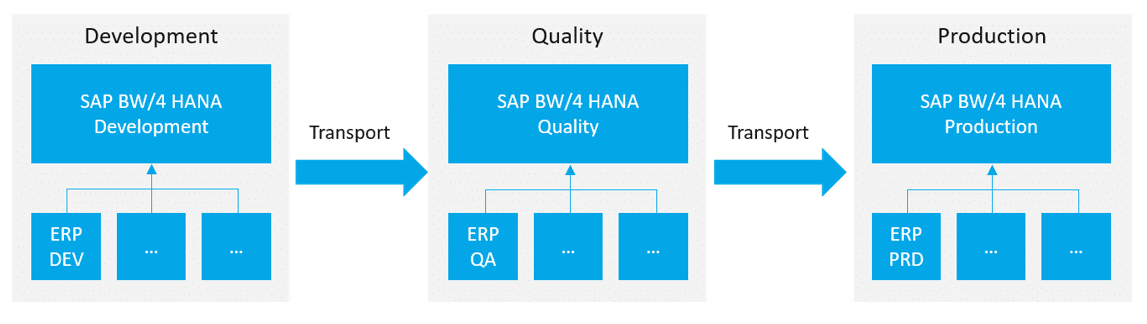
Every SAP BW consultant knows the problem: there is too little data on development systems to develop. There is too little production-related data available on the test system to test.
The separation of the data warehouse infrastructure into several instances (usually Development → Quality → Production) causes this well-known problem.
SAP BW/4HANA, and hybrid modeling in particular, offer new possibilities for providing test data for development or user testing. In our blog entry, we would like to highlight three ways in which test data can be provided from a CSV file:
DataSource Flatfile BW aka "The Classic"
The case itself is not new with SAP BW/4HANA. A flat file data source is created and integrated into the data flows. Regardless of this, we are presenting this case again in the new BW/4HANA development environment.
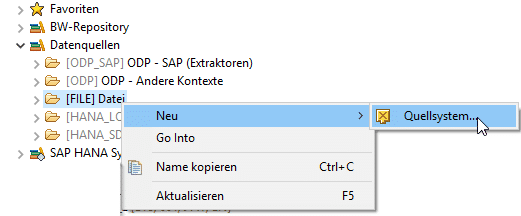
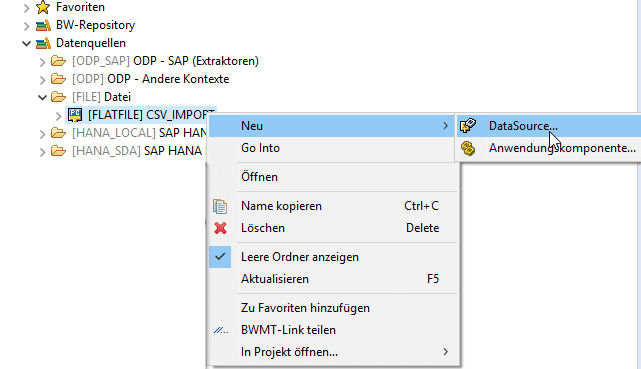
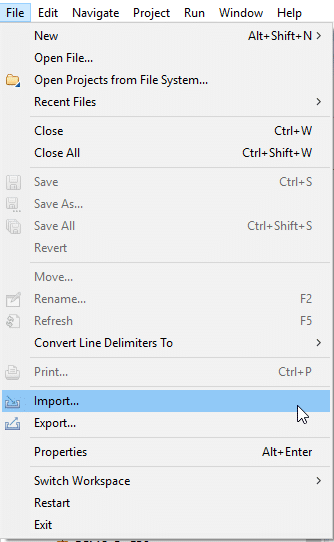
To create a source system in BW Modeling Tools, open the wizard for creating a source system via the following path:
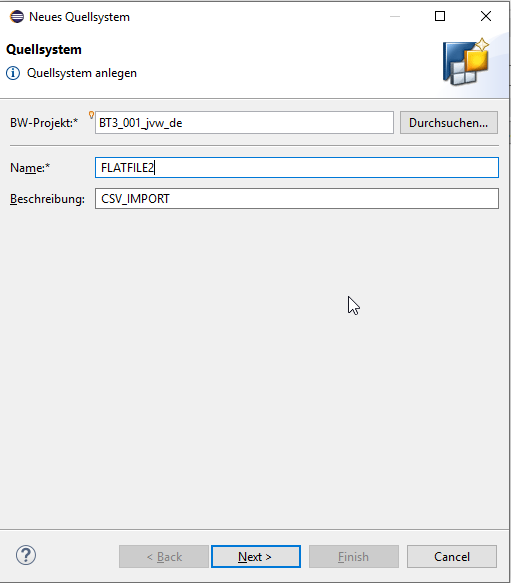
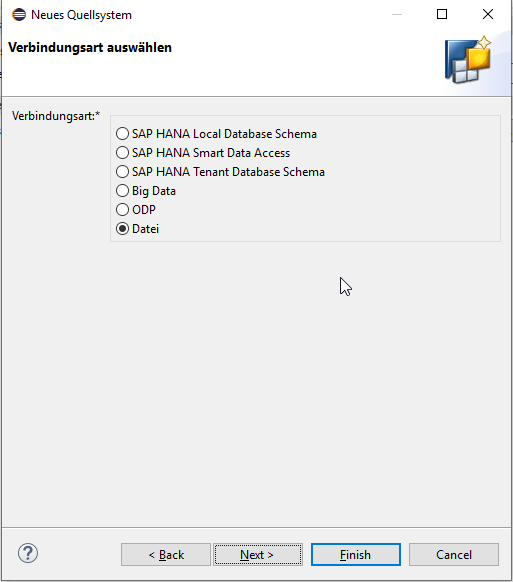
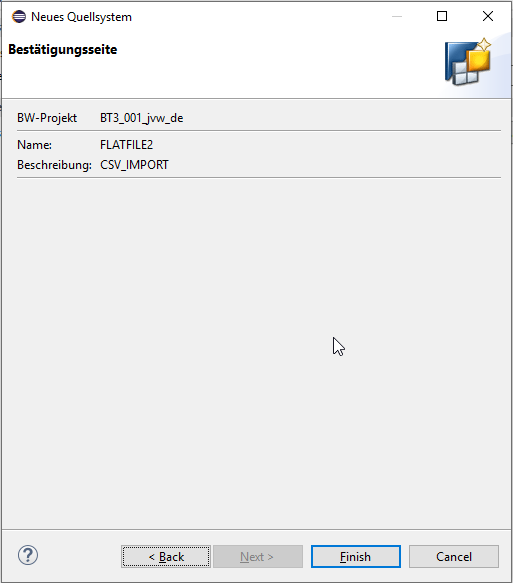
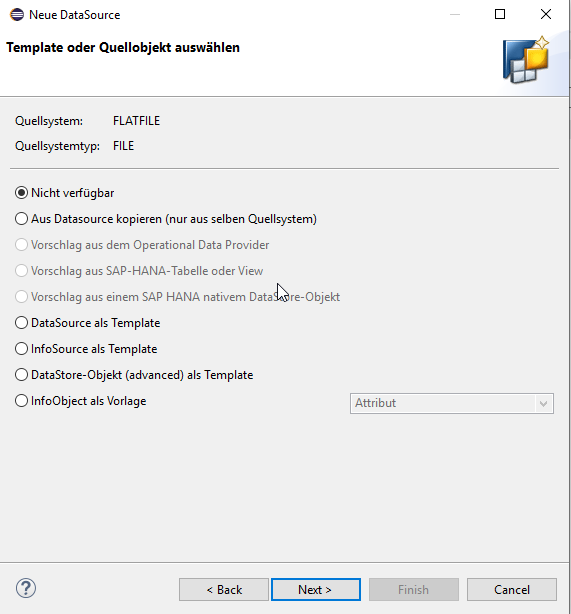
Then perform the following steps:
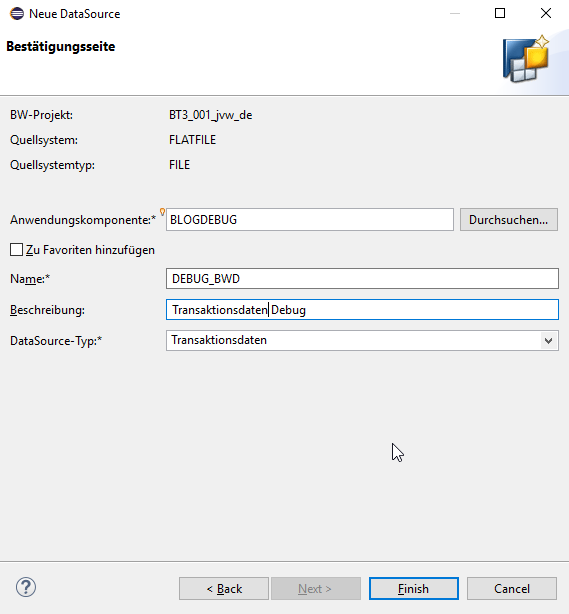
After creating the source system, a new DataSource is created below it.
This is also done using a wizard.
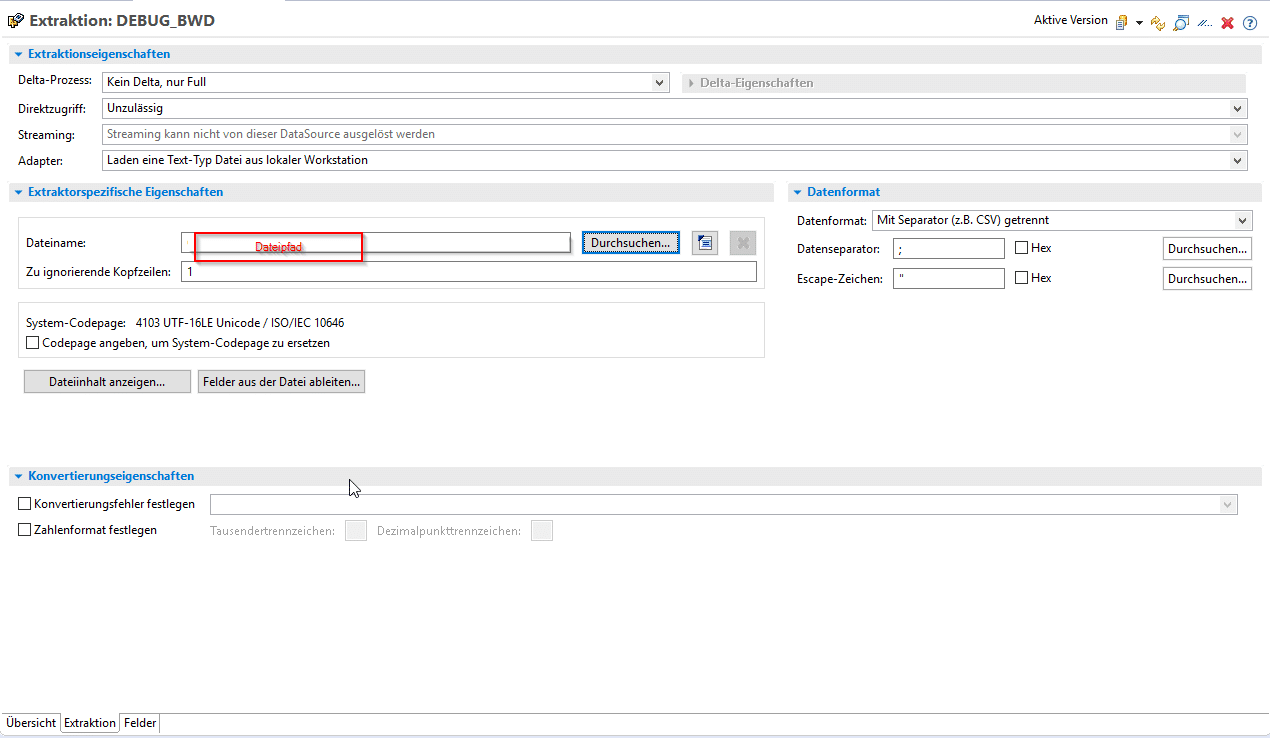
The file path, data format, and headers must be specified within the DataSource.
The CSV file can be located in a local directory or already available on the application server (function module SE37: GUI_UPLOAD). If the file is already available on the application server, the adapter must be changed to the application server.
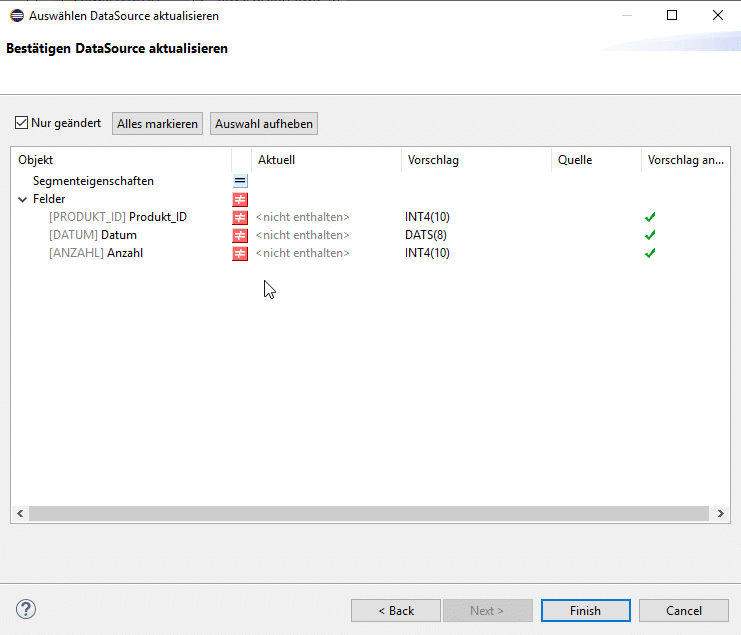
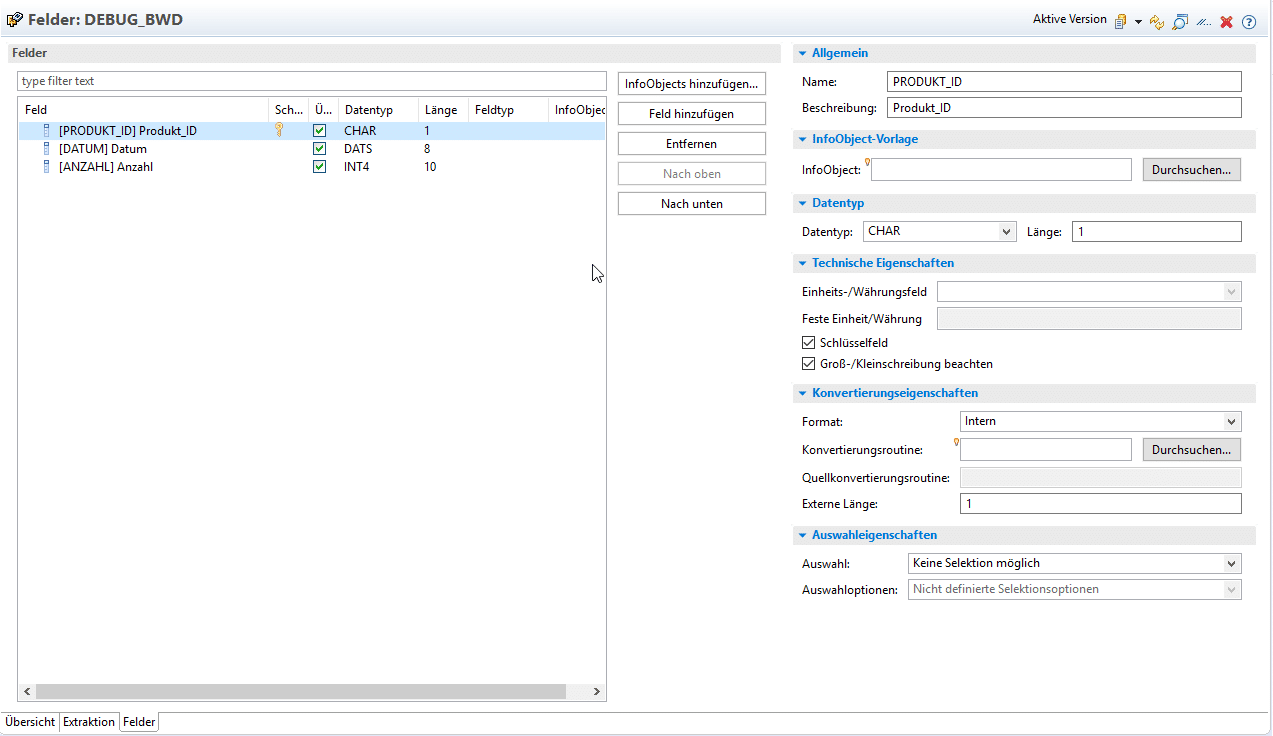
The corresponding field definitions can then be derived from the file and subsequently customized explicitly.
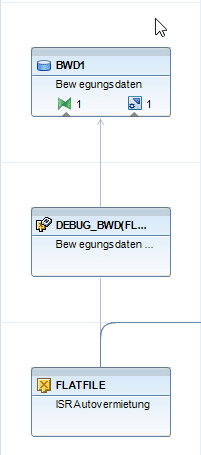
After activation, the data source of the CSV file can be modeled as a source for an ADSO in a data flow object.
After creating the transformation and the DTP, it can be started in the dialog box.
Note: A DTP with a flat file data source can only be started in the dialog box and not as a background process, unless the CSV file is stored on the BW application server.
Flatfile Import HANA aka "HANA Full Use"
If customers have a HANA Full-Use license, test data can also be loaded into HANA tables.
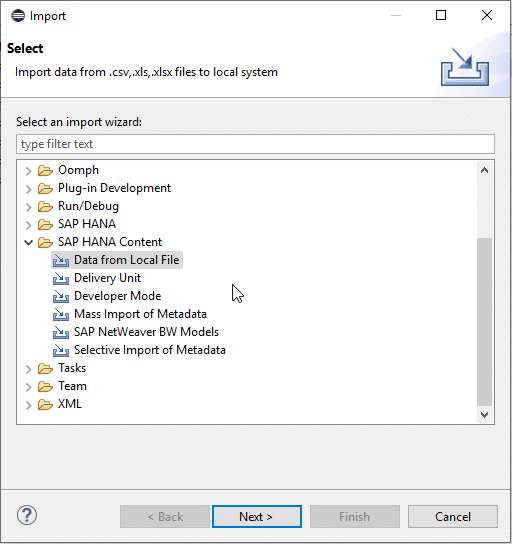
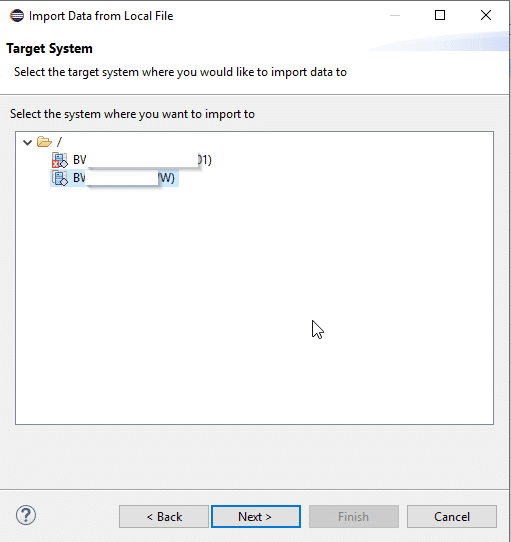
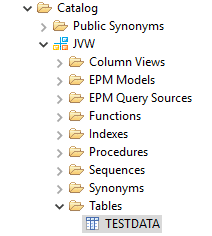
If the data is to be imported via HANA, it is necessary to switch to the HANA view. It is then possible to start the Import Wizard.
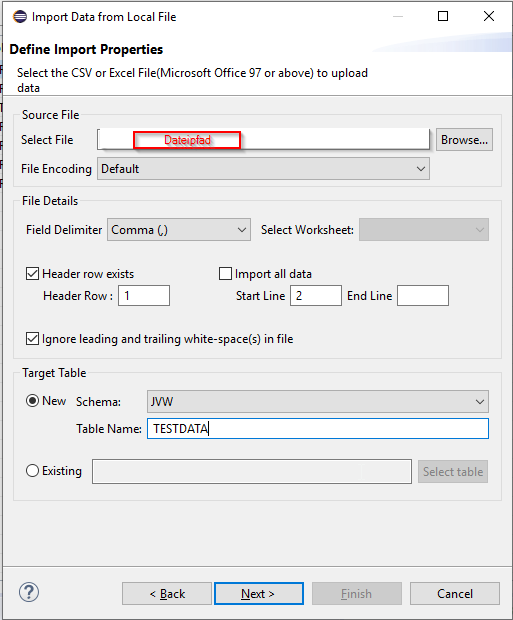
You also specify the file path and file details. You can then import directly into an existing table or generate a new one.
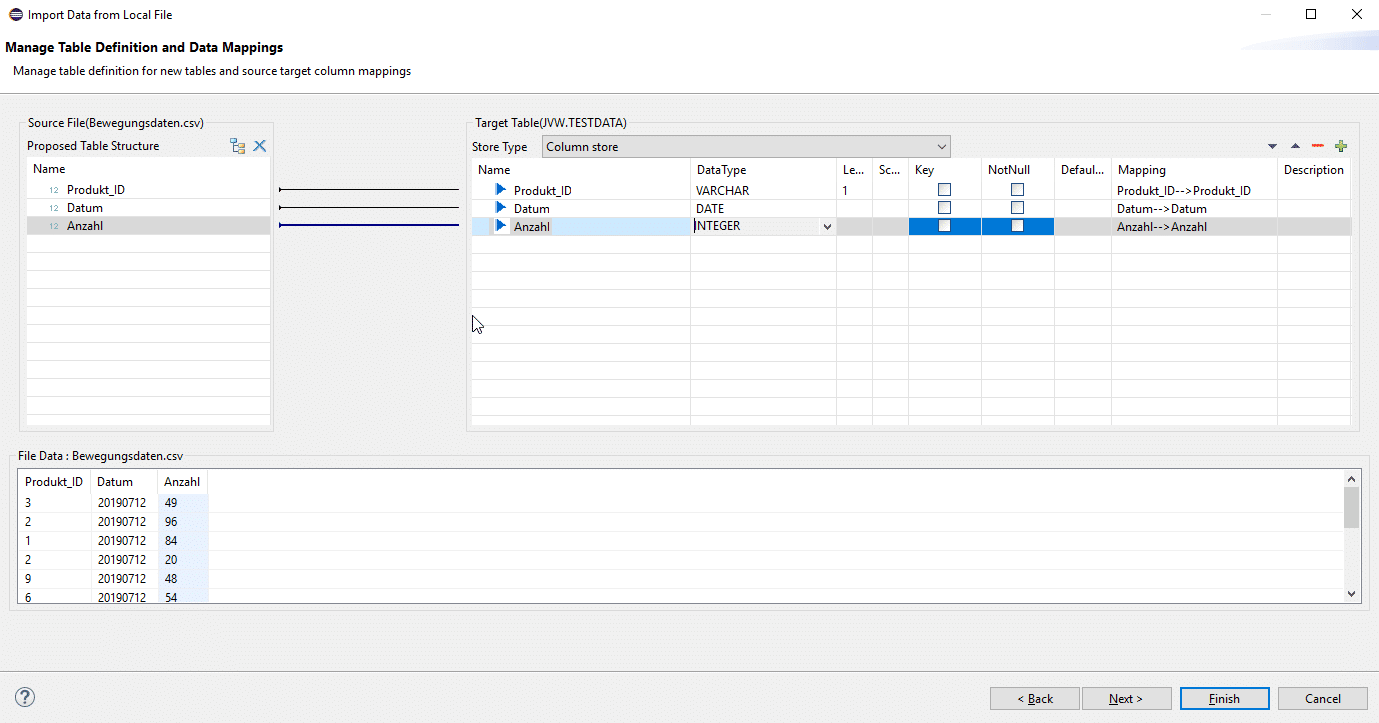
Now the mappings between CSV field names and table field names can be defined. Data types can also be customized.
The table is then available in the specified schema.
Note: The test data is now available in a persistent table in HANA. If this data is required on the BW side, it can be loaded into an aDSO.
ADSO import function, also known as "The New Way"
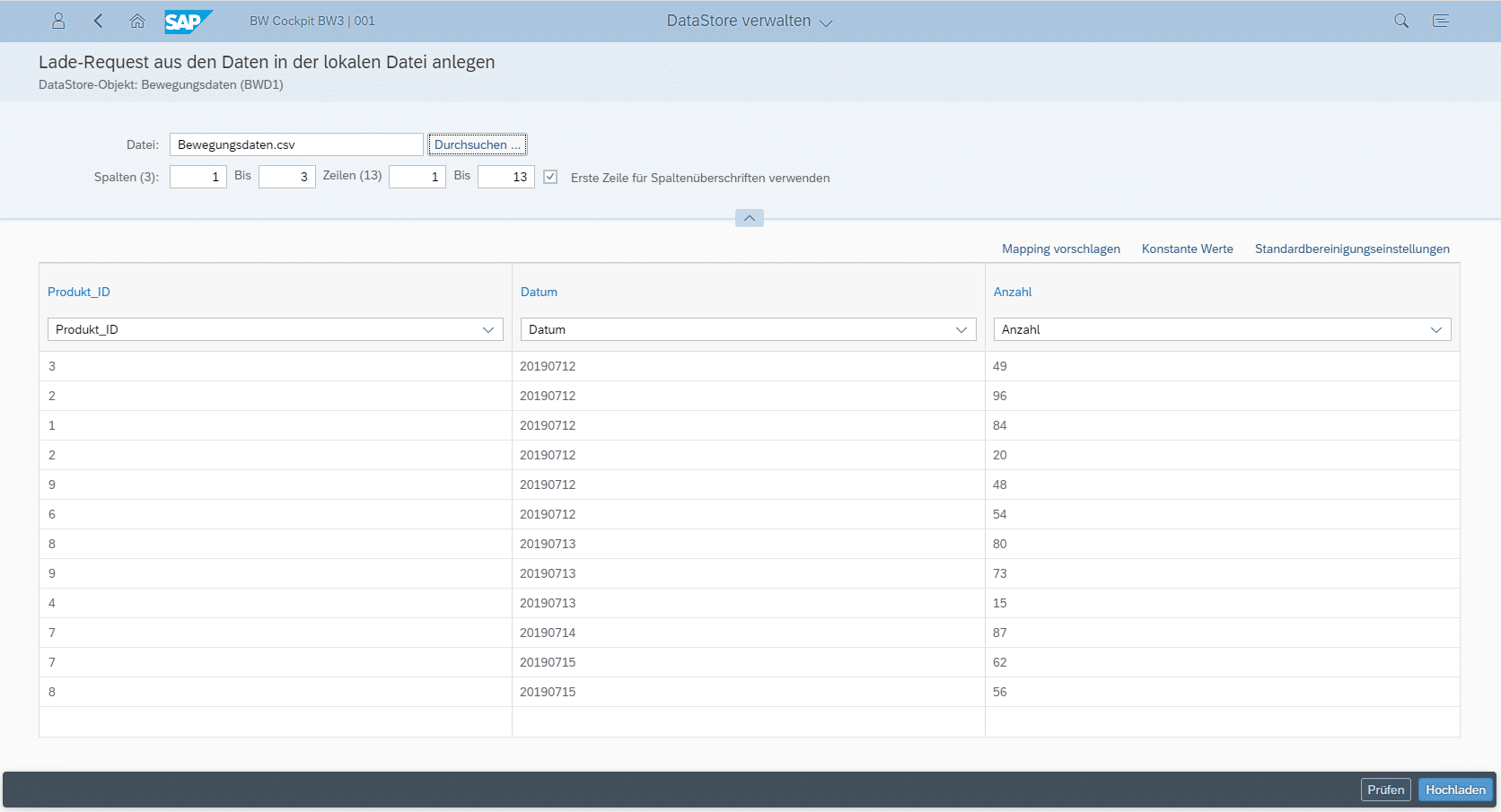
A completely new feature in SAP BW/4HANA is the direct import of data into an Advanced Data Store Object (aDSO) via the BW/4HANA Cockpit.
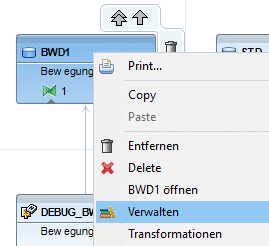
The SAP BW/4HANA cockpit can be opened directly via the relevant aDSO.
We "land" in the request overview and can import data in the drop-down menu under the item Upload data.
If no CSV file is available, you can use the Generate template option to download a CSV structure, which can then be filled with data.
The main advantage here is ease of access—no backend development (data sources, data flows, etc.) is required. A prepared file is simply loaded into the DataStore object and is immediately available. This function can also be used by specialist departments to upload and update mapping tables or similar, as long as they have access to the BW/4 Launchpad and this function.
Comparison of scenarios
The following table provides an overview of the advantages and disadvantages of each option. In our opinion, the new ADSO import function is a very useful new feature in BW/4HANA. At the same time, the function must be used with caution because data is copied "hard" into an aDSO, which means that existing data is changed without this being immediately visible in the data flows (it only appears as a request in the aDSO). It is better not to allow the function to be used in production.
| Flat file data source | HANA table | aDSO import function | |
|---|---|---|---|
| + | The data flow is traceable and documented. | Data from CSV files can be imported and flexibly processed with HANA SQL Script. This eliminates the need for manual work with local CSV files, which is often not easy, especially with large CSV files. At the very least, the data flow from the HANA table to an aDSO is easy to understand. | A quick and very easy way to load test data into SAP BW. Unnecessary effort and temporary data models are completely avoided. |
| - | Even for small scenarios, a data model must be set up parallel to the actual DWH data model. This results in unnecessarily high costs. In addition, a temporary data model is created, which will probably become superfluous after testing. | Even for small scenarios, a data model must be set up parallel to the actual DWH data model. This results in unnecessarily high costs. In addition, a temporary data model is created, which will probably become superfluous after testing. The interaction between HANA and BW Perspective also increases complexity. The group of customers who can use the scenario is relatively small because a HANA Full Use license is required. | The CSV file must already be in the target format (including field formatting) of the ADSO. Writes data permanently to the target object—historization, handling of duplicate keys, etc. are not possible at this time. |
Christopher Kampmann
Head of Business Unit
Data & Analytics
christopher.kampmann@isr.de
+49 (0) 151 422 05 448